
Upwork Search 2.0
My Role: Lead UX designer | UX research | Project management
Problem
As Upwork’s marketplace grew to offer more services to clients, it became challenging for clients to scan, evaluate and hire through the search decision-making funnel in an efficient and timely manner.
Goal
In conjunction with an extensive back-end overhaul, the goal was to upgrade the visual design of the search experience to focus on the information and tools clients identified as the most important for them to make their hiring decisions through a streamlined search journey.
Understanding the Challenges
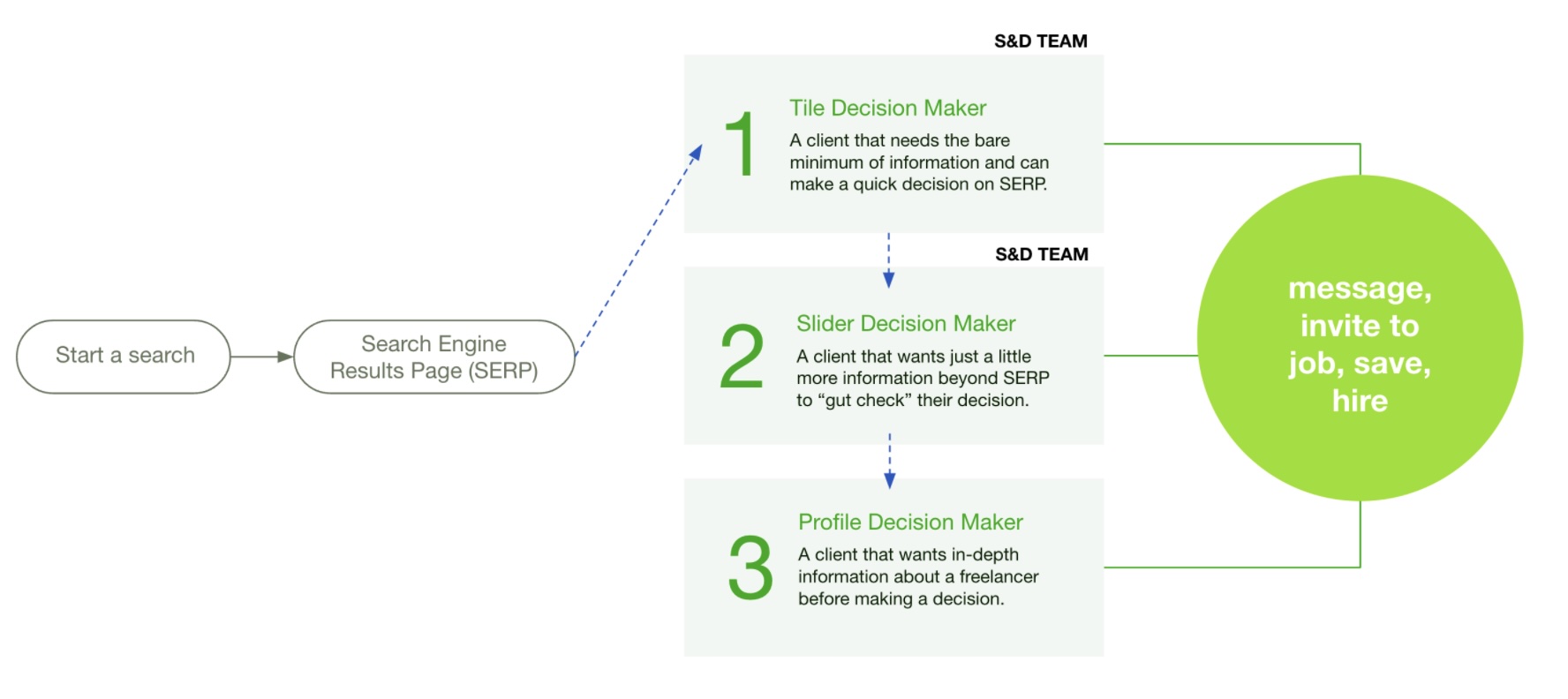
The first step was to clearly identify the user problems we wanted to solve with the Search 2.0 initiative. Working closely with company leadership, product managers and engineering, we identified three key problems to kick off user research and exploration.
User Research & Brainstorming
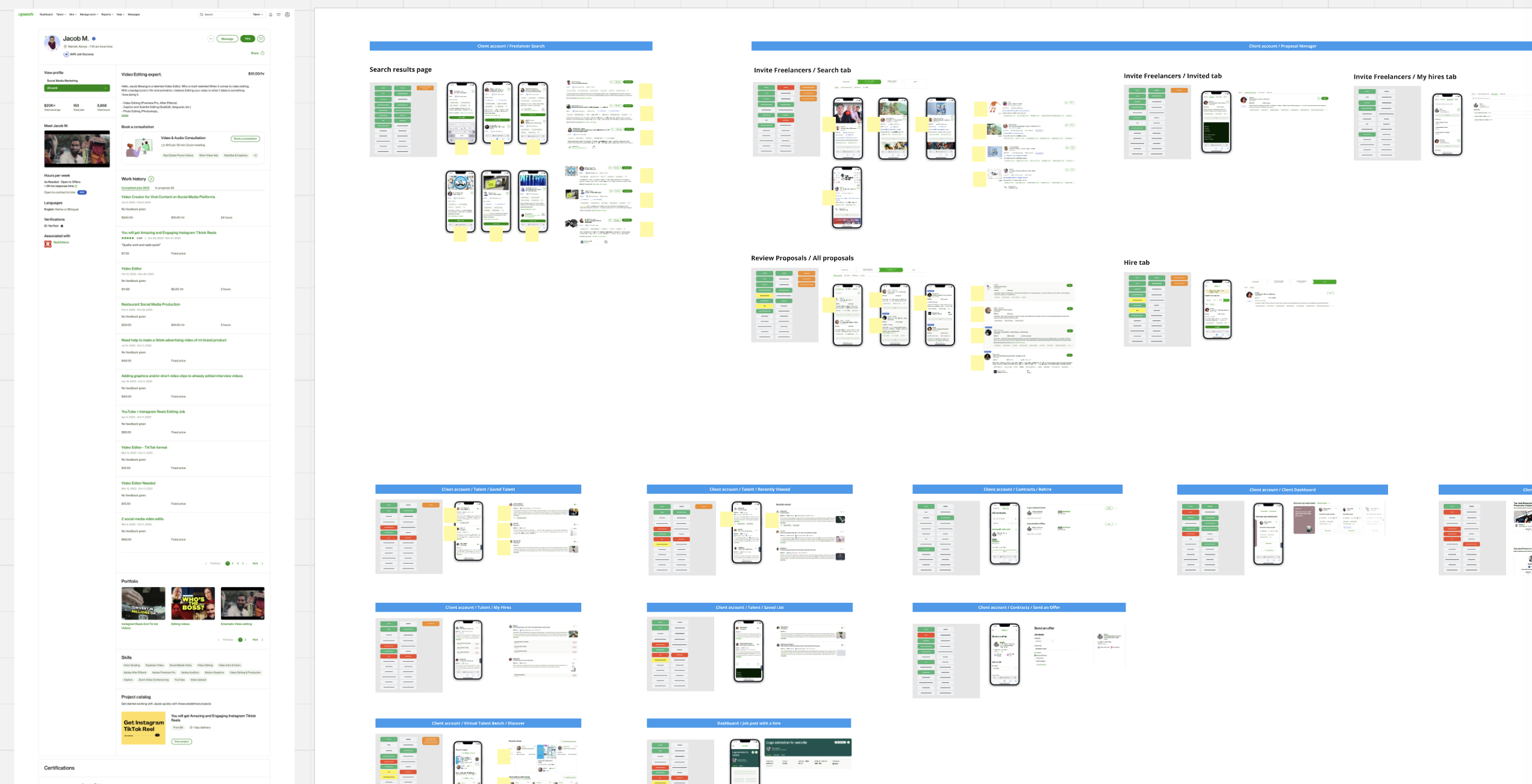
We kicked off the user research phase with in-depth outreach that consisted of client surveys and interviews to hone in on the key information to their decision-making journey. The research was paired with data and analytics to validate our problem statements.
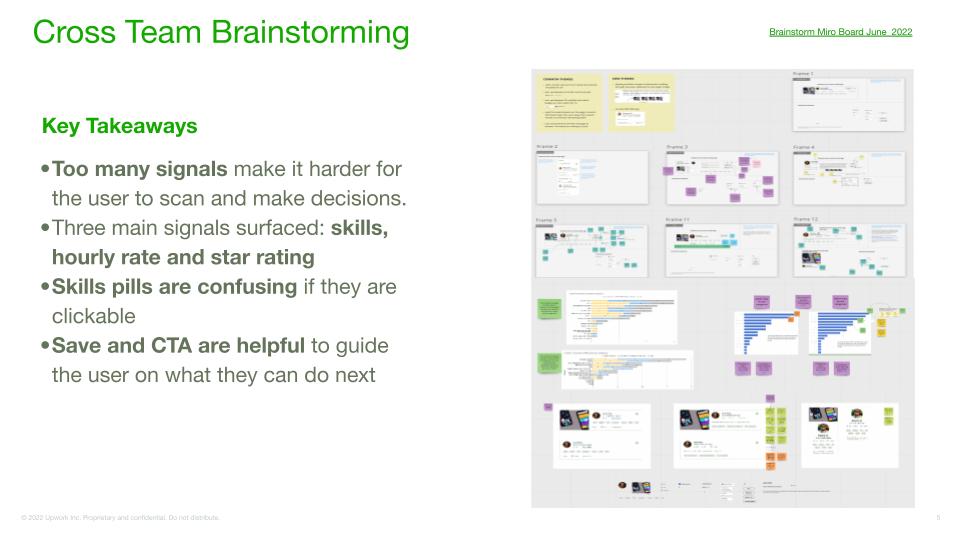
The brainstorming phase of the project was an extensive cross-team effort, performing a full audit of all search components with a focus on the freelancer tile. Through research, we were able to identify the tile as the main tool clients used to start the evaluation phase of hiring. No team was left out of the brainstorm with key players consisting of engineers, content designers, product managers and researchers.
User Journey Hypothesis
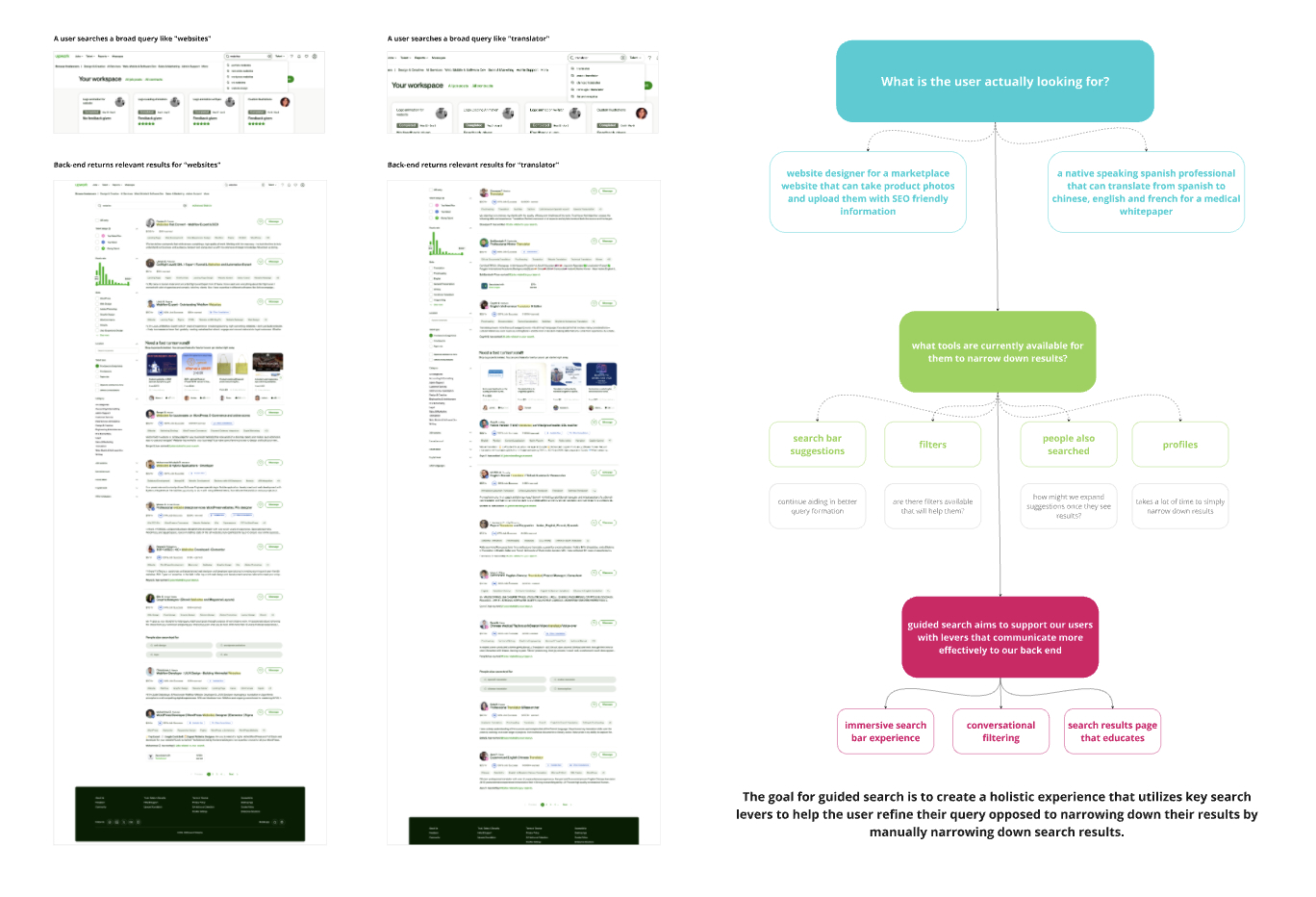
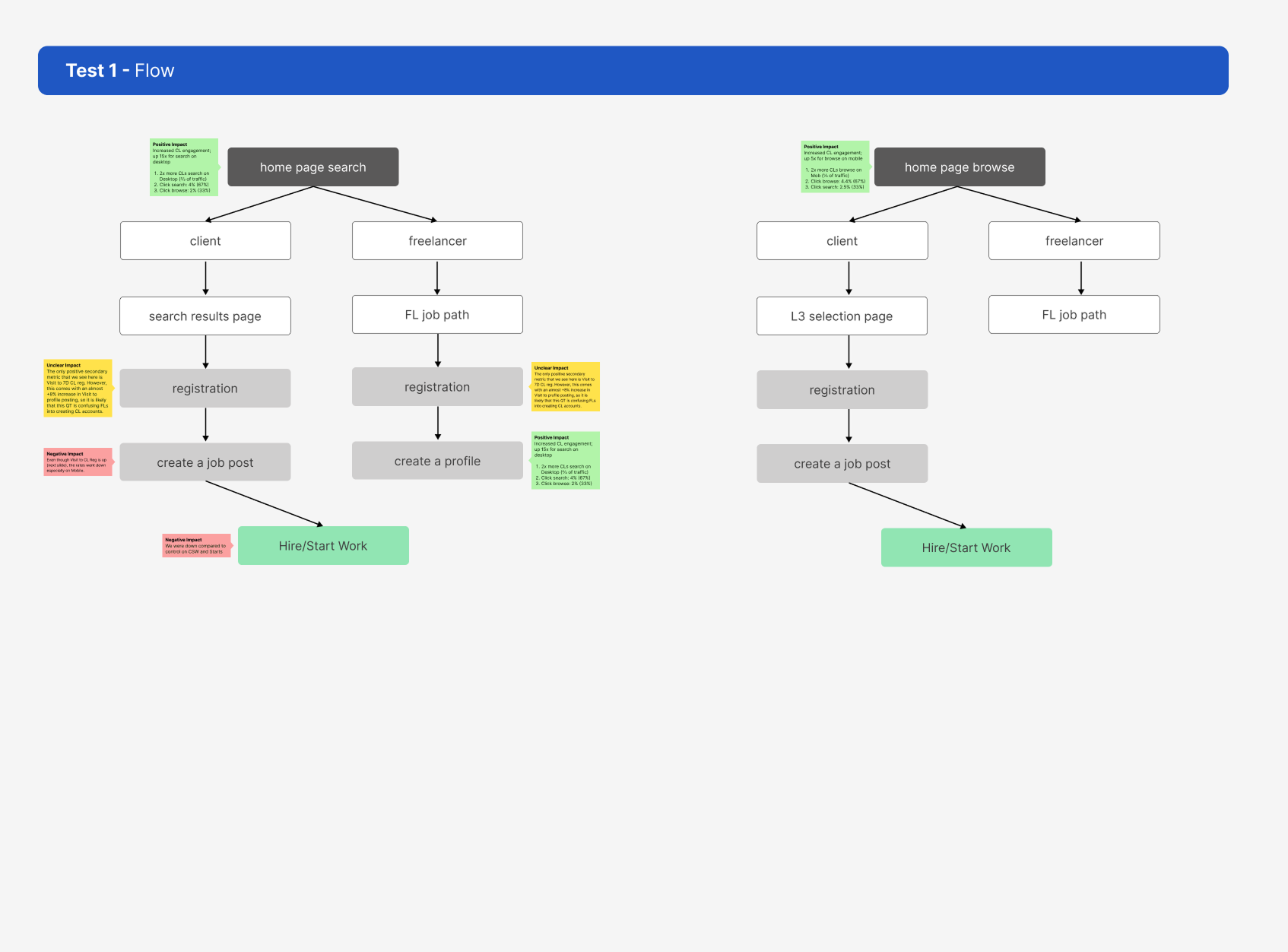
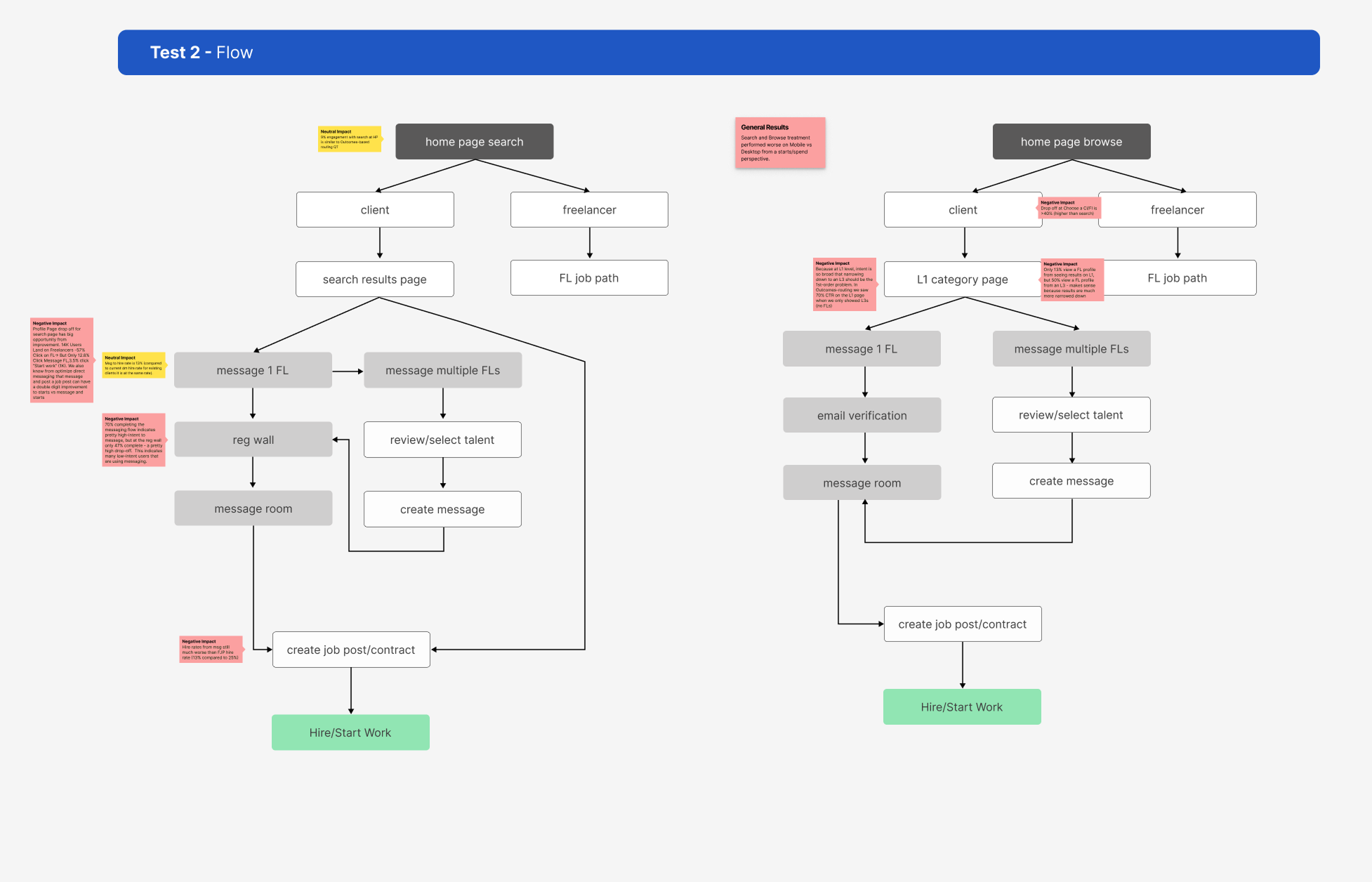
With research and cross-team brainstorming under our belt, I worked closely with the research team to craft a hypothesis for testing new concepts.
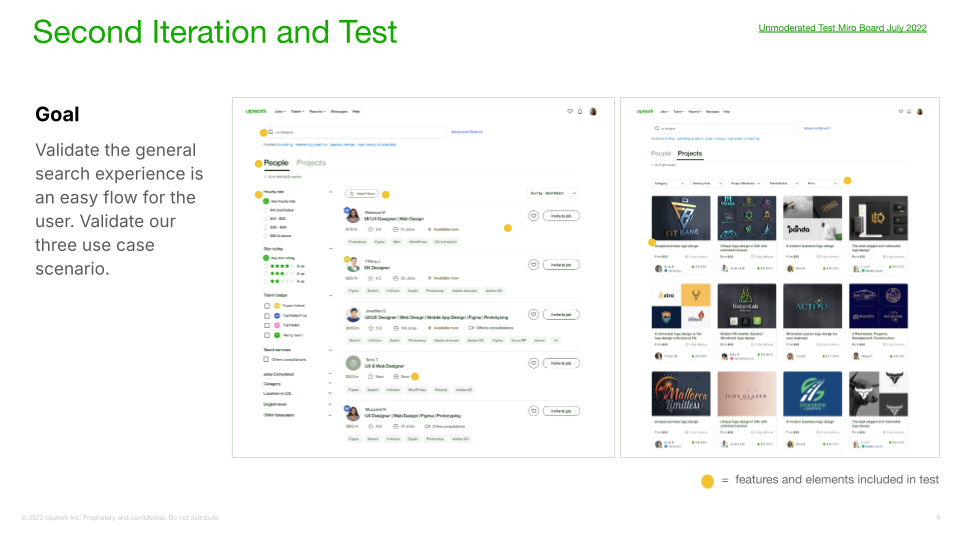
Search Results Page
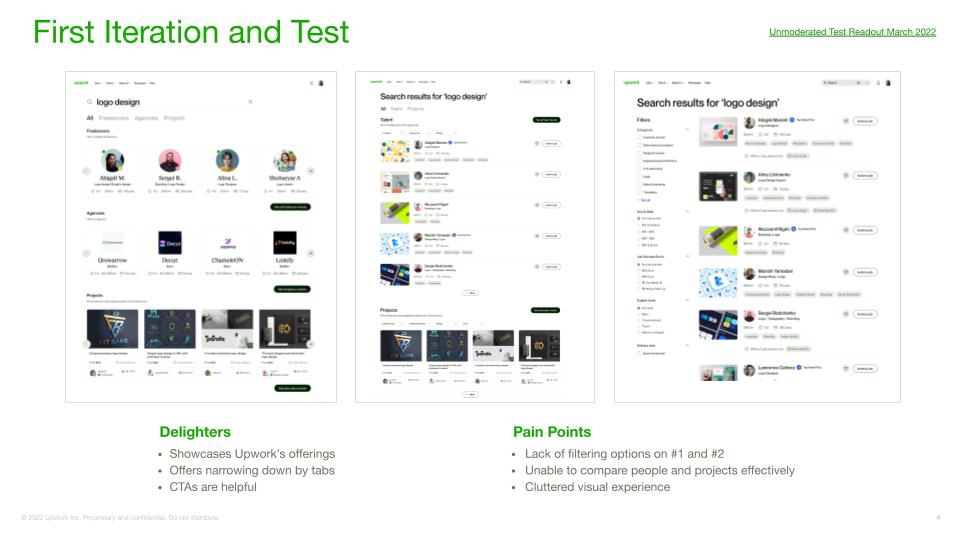
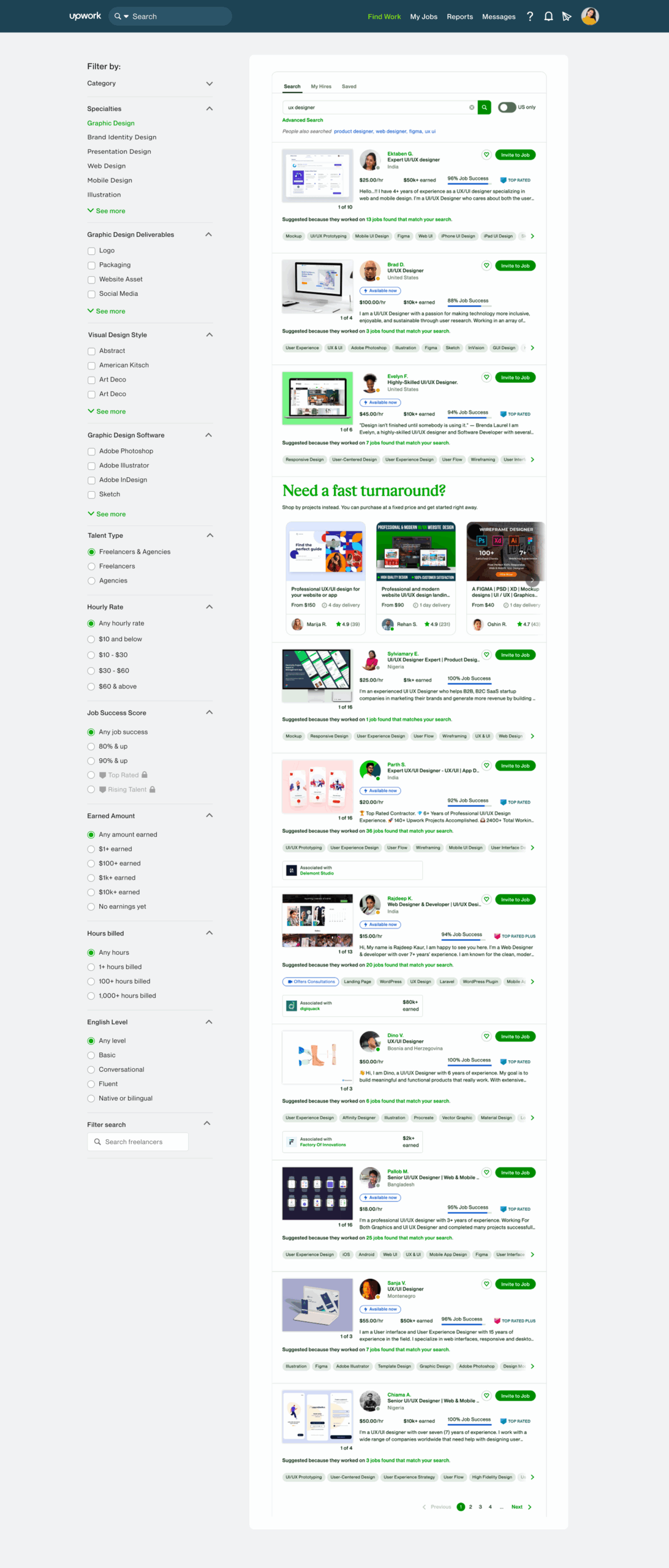
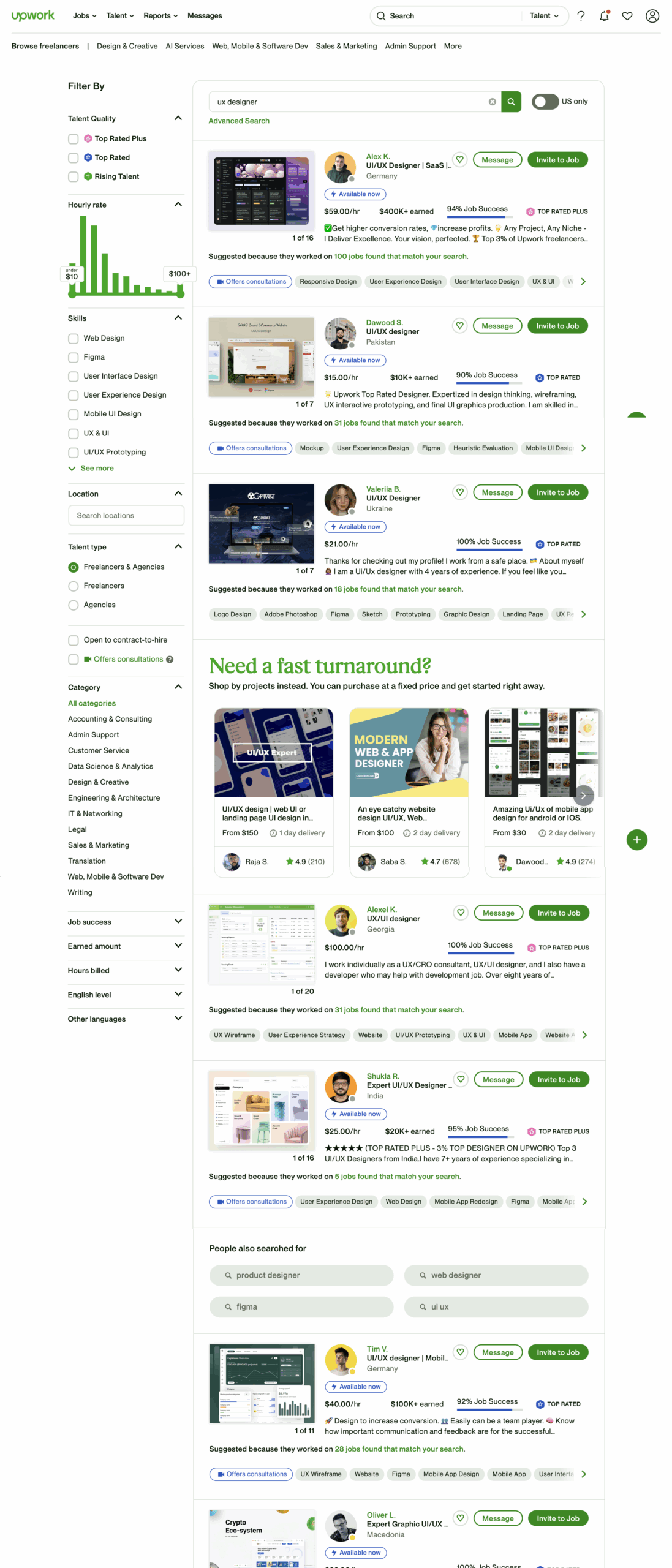
Our first test focused on the search results page. We introduced a streamlined tile that embraced white space, unified information across all freelancers and a more balanced visual balance.
Search
Search 2.0
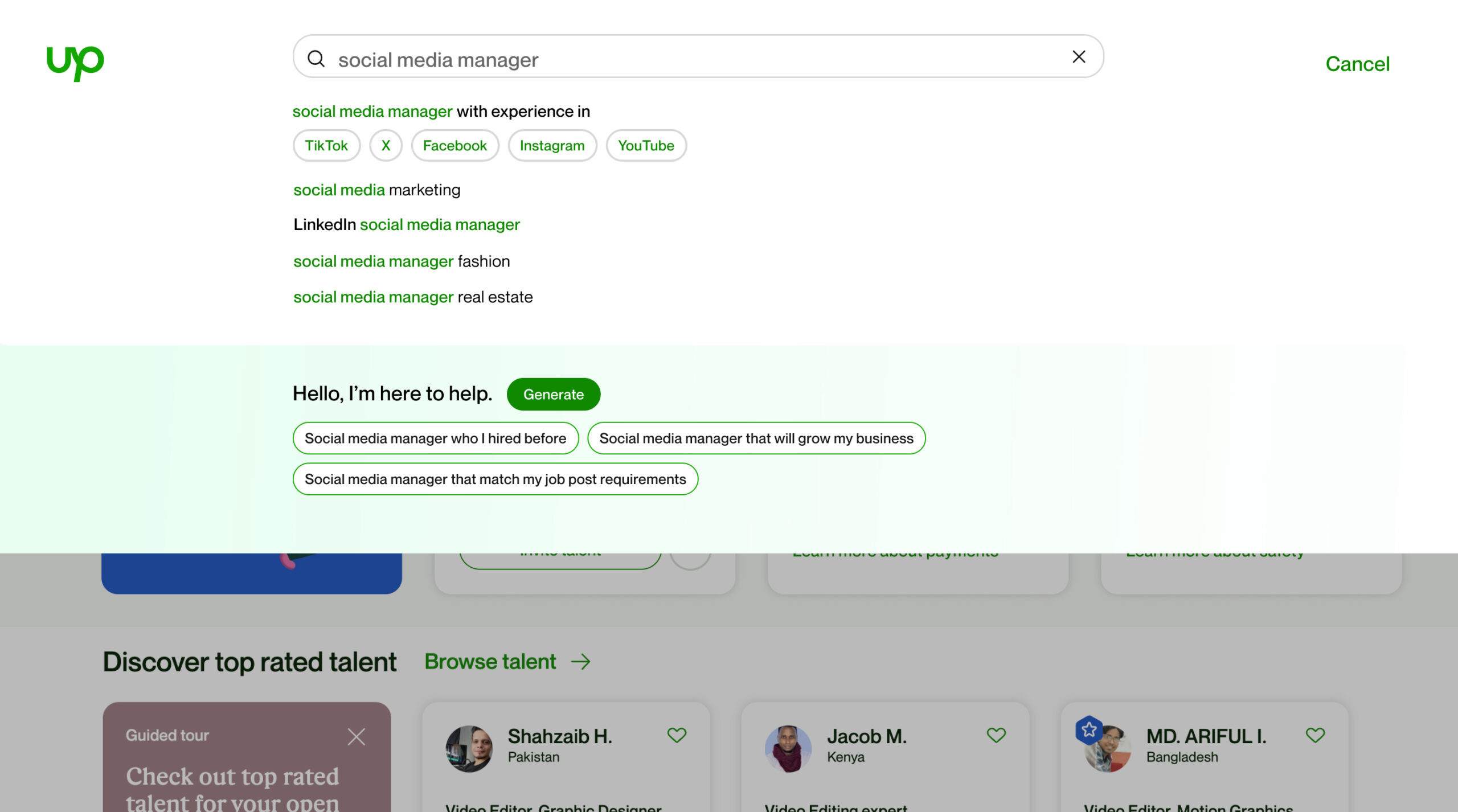
Search Bar 2.0
With the streamlined search results page in place, it was time to reimagine the search bar and how to help users navigate the growing spectrum of offerings. We transitioned away from the scoped search and began exploring ways to integrate service navigation onto the search results page focused specifically an immersive AI assisted experience.
Efficient Filters
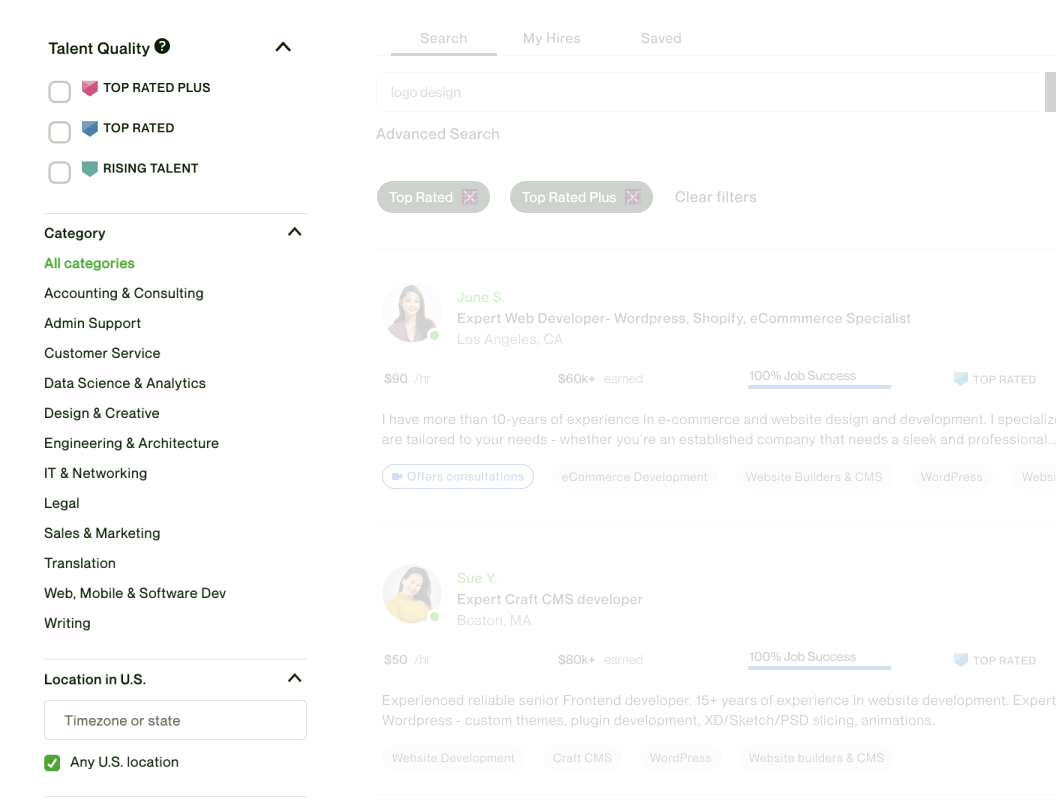
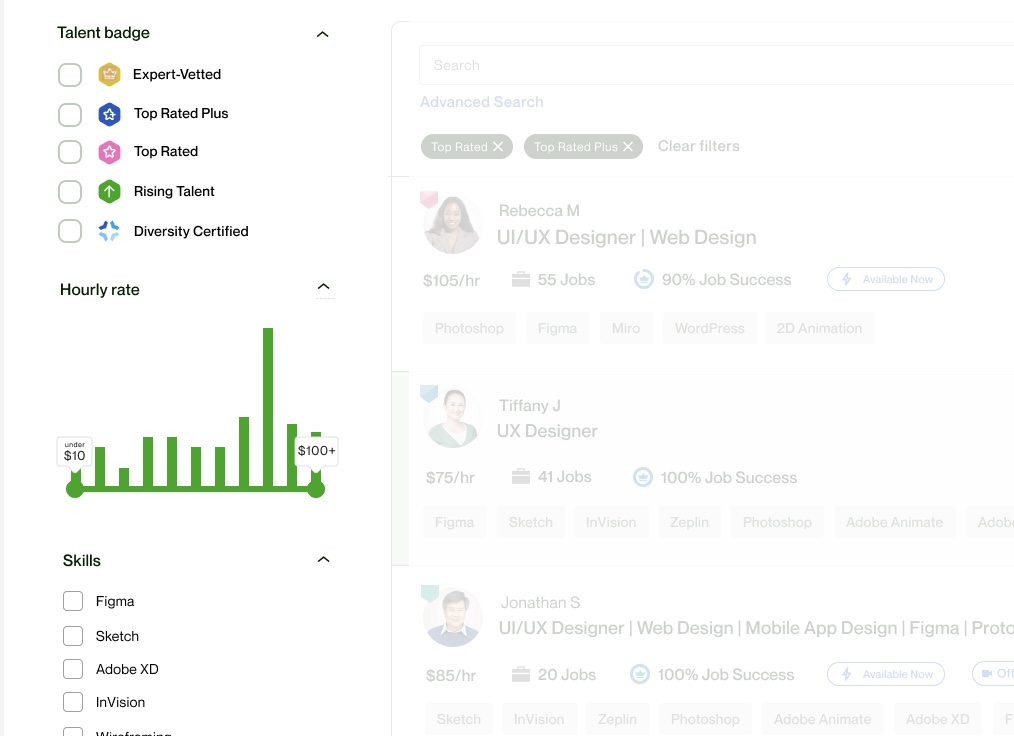
Filters are often overlooked in a search experience and treated purely as a utility necessity. However, what we learned through our tests is that filtering is one of the first features a user interacts with once search results are returned. With the updated search, we wanted the filter panel to be equally supportive of the search journey by utilizing filters that provided information for the user before they actually filtered any results. Additionally, we organized them in more logical groupings with the most used filters at the top.
Search Slider
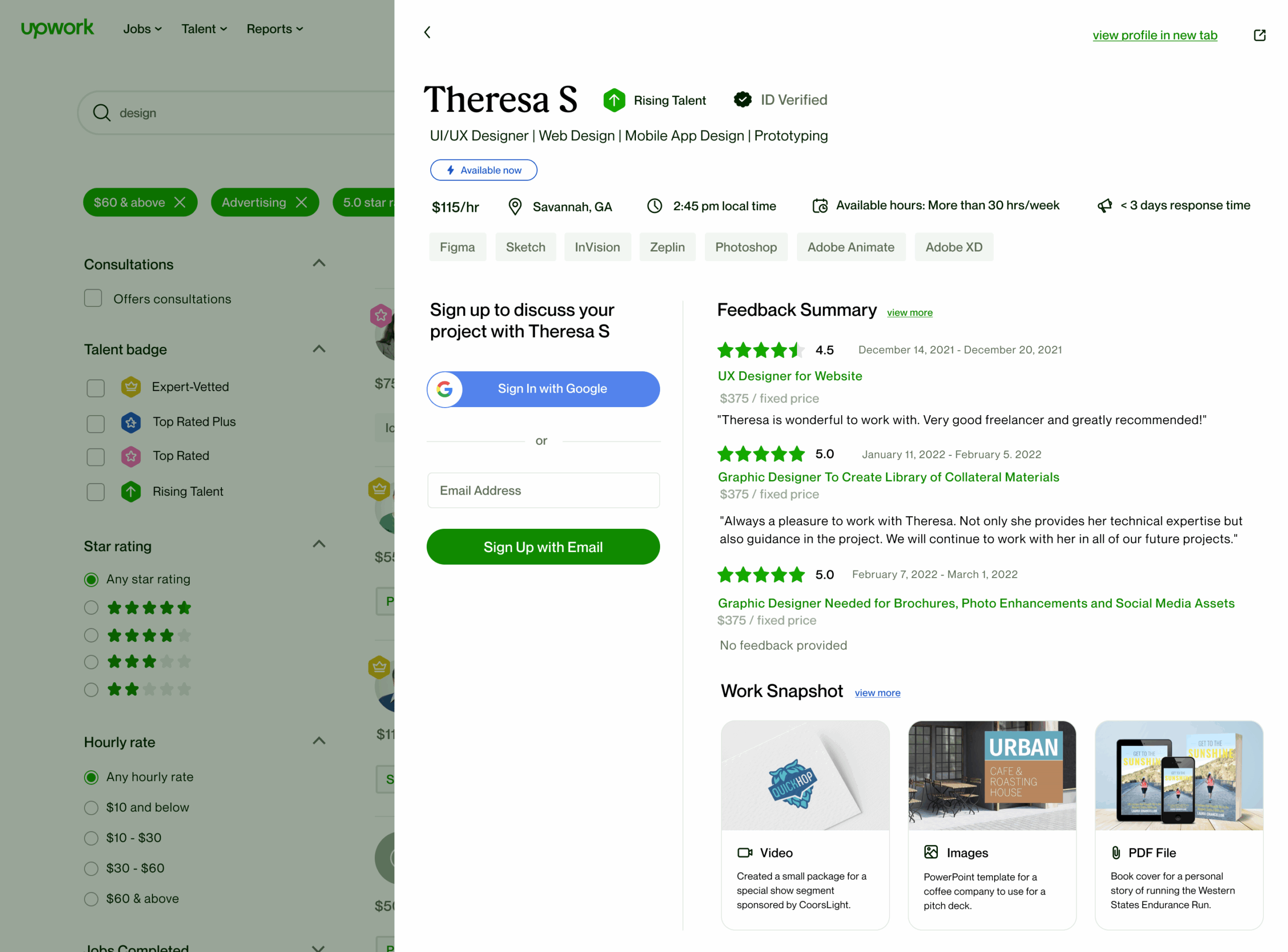
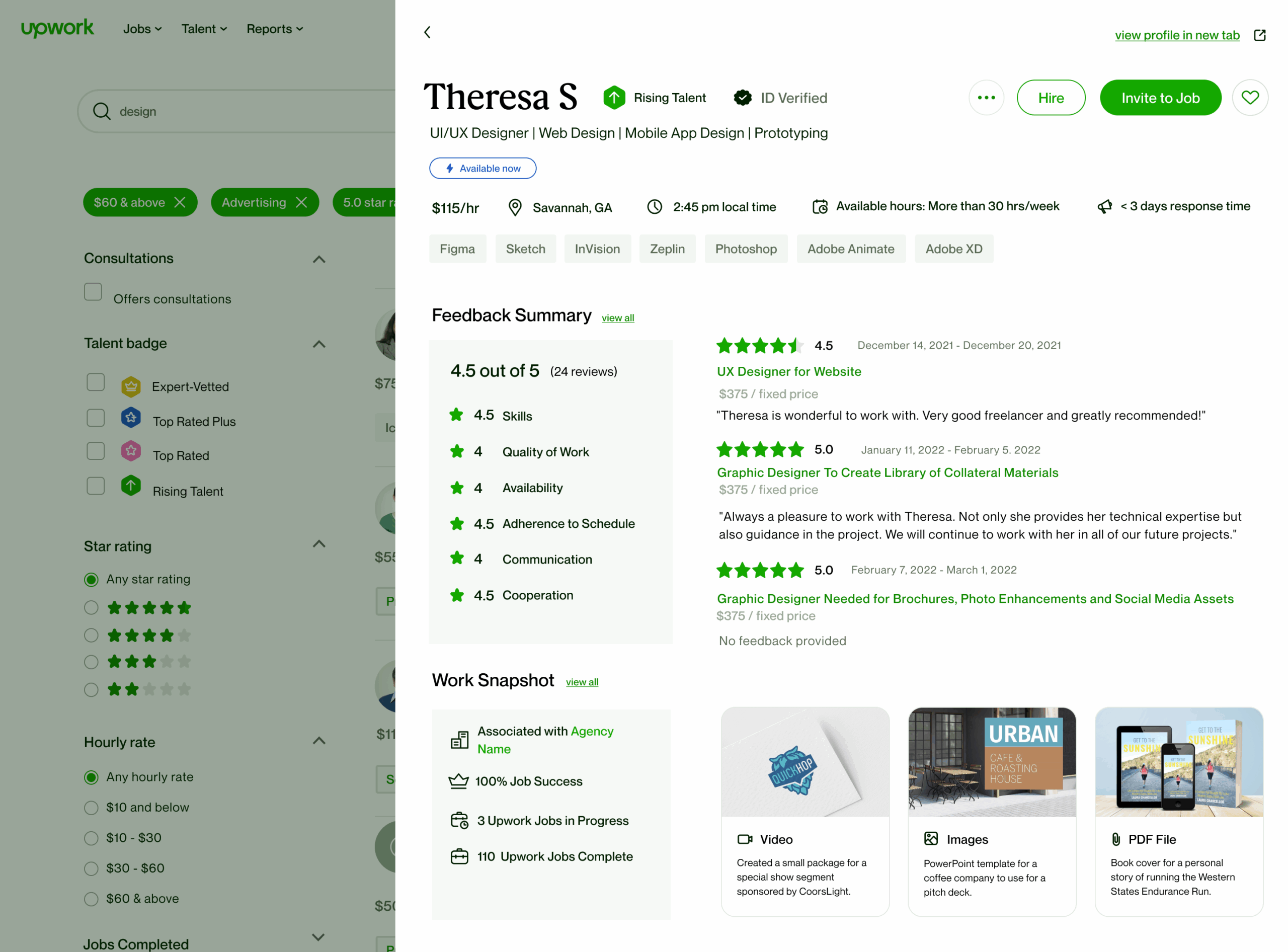
The slider was an extension of the freelancer tile on the search results page. By clicking on the tile, the client could view a full freelancer profile. While this was a centralized location for information, clients reported during research that it required a lot of scrolling and reading to find the information they were looking for. The updated slider pulled the vital information forward and no scrolling was required. The full profile is still accessible from the slider for users who want a deep dive into the freelancer’s information.
Logged in view
Logged out view